Is It Safe to Upload Photos to ChatGPT?
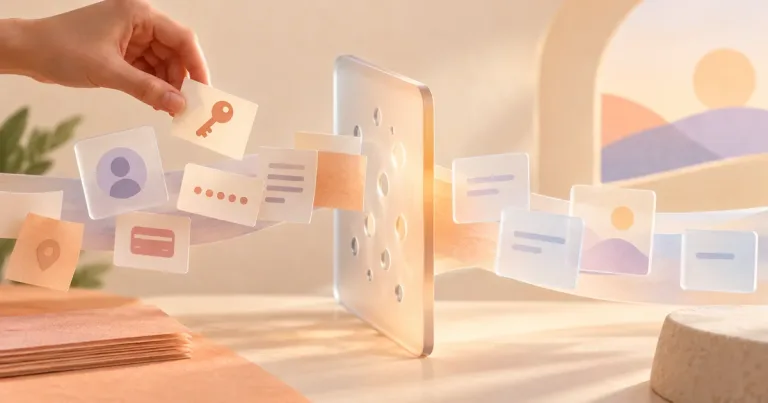
You want ChatGPT to identify a plant, read a label, fix a photo, or explain what is on a screen. The picture seems harmless—until you notice a face, address, school name, notification, or account number in the background.
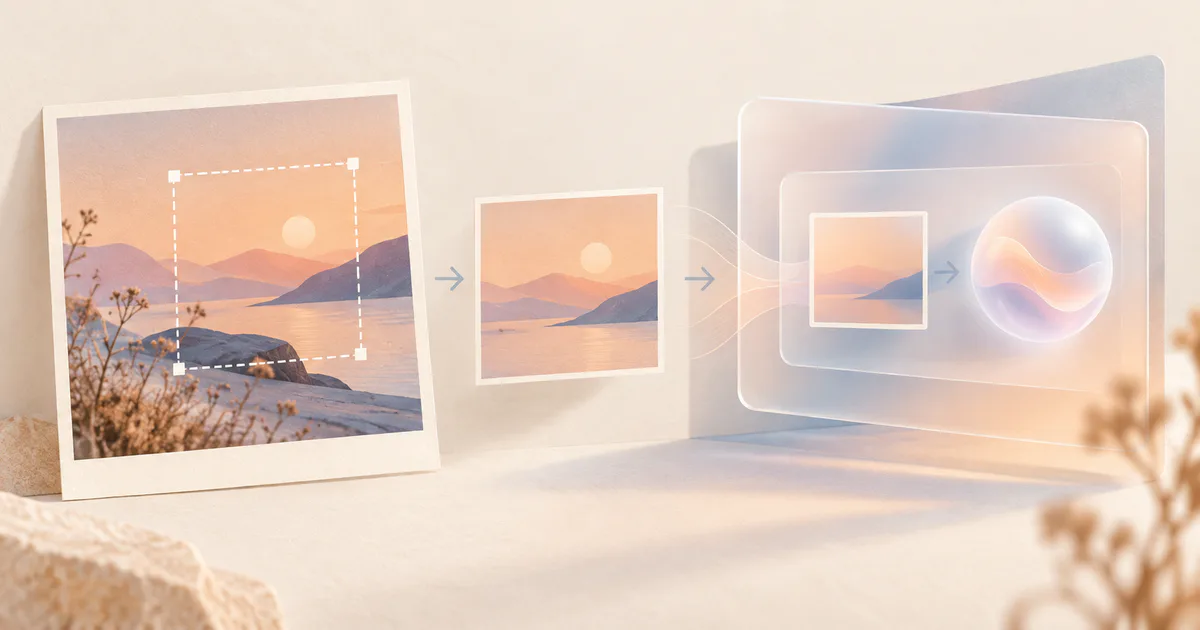
A photo of a non-sensitive object is usually lower risk. Before uploading, make a separate copy and crop out people, names, addresses, screens, documents, reflections, and anything the task does not need. Do not upload IDs, intimate images, confidential work, private medical photos, or identifiable photos of children to a general consumer AI chat.
Privacy settings can reduce some uses of your data. They do not make a sensitive photo harmless.
Put the photo in one of three groups
| Photo | Best next step |
|---|---|
| Plant, appliance part, public sign, product packaging, or non-sensitive object with no people or private background | Usually reasonable to upload after a quick review. |
| Room, receipt, screenshot, whiteboard, homework page, event photo, or product image with extra details | Make a cropped clean copy first. Remove faces, names, addresses, notifications, account details, and unrelated background. |
| Passport, driver's license, bank card, medical image, intimate image, confidential workplace screen, private message, or identifiable photo of a child | Do not upload it to a general consumer chat. Use an approved service or describe the problem without the image. |
The question is not only “Would I post this photo publicly?” A picture can still expose information you would share with a friend but not with an online service.
Make a safer copy
Keep the original untouched and edit a copy.
- Crop tightly. Include only the object or area ChatGPT needs.
- Remove visible text. Check names, addresses, order numbers, school details, license plates, badges, QR codes, and barcodes.
- Check the background. Look at mirrors, windows, desk papers, computer screens, mail, family photos, and house numbers.
- Hide other people. Cropping them out is better than relying on a blur that may still leave them recognizable.
- Check the filename and location data. Review the copy's file information and remove location details when your device provides that option.
- Open the final copy full-screen. Zoom in before uploading. Small text can be clearer to the AI than it looked in the thumbnail.
Do not draw a tiny black mark over an ID number and assume the picture is safe. Make sure the underlying detail is no longer visible in the exported copy.
Use the least revealing method
Sometimes no photo is needed.
Instead of uploading a complete kitchen photo, type:
My refrigerator displays error code E15. What should I check before calling for service?
Instead of uploading a school worksheet with a child's name, crop one question or type the question without the name.
Instead of sending a medical photo, describe the general concern and use a qualified health service for diagnosis. ChatGPT can misread an image and should not decide whether a condition is urgent.
What ChatGPT currently does with uploaded photos
OpenAI's Image Inputs documentation says ChatGPT can analyze images added to a conversation. Its consumer data guidance says submitted content, including images and files, may be used to improve models depending on the account and settings.
For a signed-in personal account, Settings > Data controls > Improve the model for everyone controls whether new conversations may be used for model improvement. Turning it off does not make the upload invisible, delete existing content, or give you permission to share someone else's photo.
OpenAI also says uploaded and created files can be saved in Library. Deleting the conversation may not delete a separately saved Library file.
These details can change. Check the current screen and official help before relying on a specific storage or deletion behavior.
Should you use Temporary Chat?
Temporary Chat is a better choice for a low-sensitivity one-off task when you do not want the conversation in normal history or Memory.
OpenAI currently says temporary chats:
- do not appear in history unless saved;
- do not use or create memories;
- are not used to improve its models while they remain temporary;
- may be retained for up to 30 days for safety.
Do not save the temporary chat if you want it to remain temporary. More importantly, do not treat temporary mode as permission to upload an image that should not leave your device.
What happened in H5W's upload test
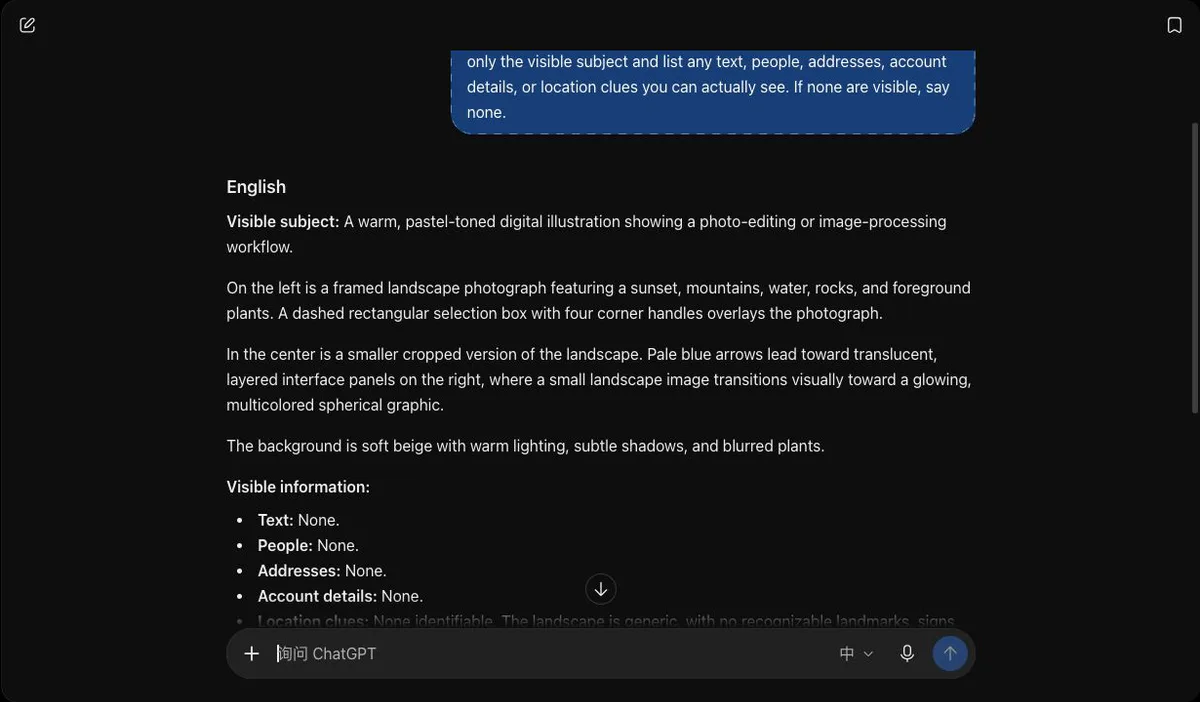
H5W uploaded a generated landscape illustration with no people, addresses, account details, or real-world location data to a real Temporary Chat. ChatGPT described the visible scene and correctly reported that it could not see text, people, addresses, or account details. This confirms that the upload-and-analysis workflow worked in our test; it does not prove that every photo is safe to upload or that every detail will be read correctly.
Delete the photo when you are finished
If you no longer need the result:
- delete the conversation;
- open Library and remove the uploaded image if it was saved there;
- check Recently deleted when available;
- remove any shared conversation link;
- manage the original file in connected cloud storage if that is where it came from.
OpenAI says deleted chats and Library files may be scheduled for permanent deletion within 30 days, subject to stated exceptions. Deletion is useful housekeeping, but uploading a clean copy is safer than relying on cleanup later.
Check the answer against the image
ChatGPT can misread small labels, handwriting, dates, prices, medicine names, serial numbers, and warning symbols. It can also describe something that is not actually visible.
Before using the result:
- compare every important word and number with the photo;
- do not rely on it to identify a person;
- verify safety instructions with the product manufacturer;
- use a qualified professional for medical, legal, financial, or high-stakes decisions.
For documents and PDFs, use Is It Safe to Upload Documents to AI?. For a broader checklist, read What Information Should You Never Share With AI?.
Share the smallest clean copy—or do not upload
Upload the smallest, cleanest copy that can do the job.
An ordinary object photo with no people or private details is lower risk. A photo that exposes identity, health, money, children, private conversations, or confidential work should stay out of a general consumer chat. Privacy controls help, but careful selection and cropping matter more.
Sources and verification
Information last verified: October 13, 2026. ChatGPT image availability, storage, training, and deletion behavior can change and must be rechecked before publication.
- OpenAI: ChatGPT Image Inputs FAQ
- OpenAI: Using Library to manage files in ChatGPT
- OpenAI: Temporary Chat in ChatGPT
- OpenAI: Data Controls FAQ
- OpenAI: Data Usage for Consumer Services FAQ
Free printable resource
AI File Upload Safety Checklist
Use the practical version while you work. It is a selectable-text U.S. Letter PDF with no email gate.
Public H5W PDF with selectable text and permanent source links.
Keep going
Choose your next step
Return to Safety & Privacy for the full collection, or continue with a closely related guide.