
AI Voice Scams: How to Spot and Avoid Voice Cloning Fraud
Your phone rings. The person sounds like your child, parent, friend, or boss. They are crying, whispering, or speaking quickly. Something terrible has happened, and they need money now.
Do not decide whether the call is real by listening harder. Hang up and call the person back using a number you already know. Contact someone else close to them if they do not answer. Do not send money, share a login code, or keep the call secret.
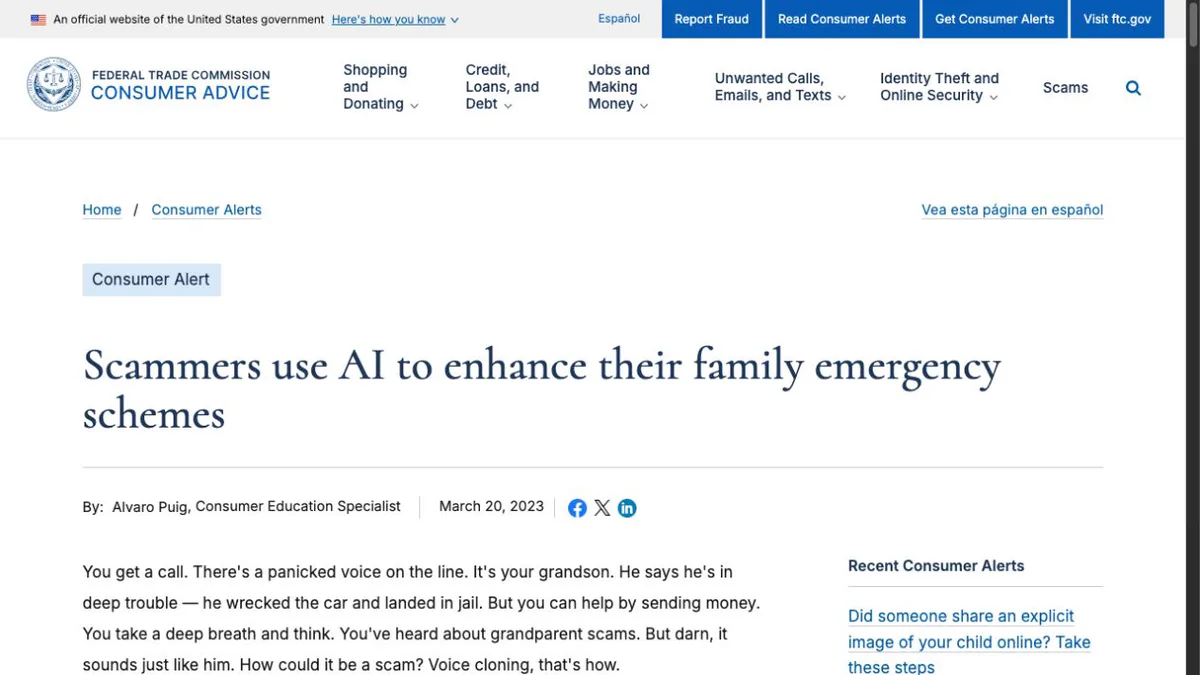
The Federal Trade Commission warns that scammers can use AI to clone a loved one's voice from a short audio clip. A familiar voice is no longer proof of identity.
The 30-second response
- Stop. Do not send money or reveal information while the caller keeps you under pressure.
- Hang up. You do not need the caller's permission.
- Call back using a saved or independently verified number. Do not use a number the caller gives you.
- Contact a second person. A relative, friend, employer, bank, hospital, or police department can help verify the story.
- Treat secrecy and unusual payment methods as warning signs. Gift cards, cryptocurrency, wire transfers, and urgent payment-app requests are common scam patterns.
If the story is real, it will survive a two-minute verification call.
What H5W tested
We walked through a fictional call in which a relative's familiar-sounding voice asked for emergency money. The safe path did not depend on detecting a robotic sound: stop, hang up, call the relative on a known number, involve another person, and refuse the payment request while the story is unverified. We checked that sequence against the FTC's current consumer advice.
Signs that matter more than the voice
The audio may sound completely normal. Pay attention to what the caller wants you to do.
- They create an emergency. An accident, arrest, kidnapping, medical bill, frozen account, or urgent business payment.
- They demand speed. You are told that waiting will make the situation worse.
- They demand secrecy. They say not to call another family member, coworker, bank, or police department.
- They control the payment method. They insist on gift cards, cryptocurrency, a wire, a payment app, or cash.
- They ask for a code. A bank or account verification code can give a scammer access even when no money is sent during the call.
- They block normal verification. The caller has a reason they cannot stay on the line, make a video call, answer a personal question, or let you speak to someone else.
One sign alone may have an innocent explanation. Several together are enough reason to stop.
What to say
You do not need to argue with the caller or announce that you suspect AI.
Use one sentence:
I am going to call you back on the number I already have.
Then hang up.
If you are worried about a genuine emergency, call the person, another family member, the hospital, the employer, or the relevant agency using a number from your contacts or the organization's official website.
Do not ask ChatGPT whether the voice “sounds fake.” A recording can be compressed, noisy, emotional, or edited, and a chatbot cannot reliably prove who was speaking.
Set up a family check before a scam happens
A family safe word can help, but use it as one layer—not the only test.
Choose a word or short phrase that is:
- not a birthday, pet name, school, or detail visible on social media;
- easy for close family members to remember;
- not stored in a public post or shared group;
- changed if anyone accidentally reveals it.
Agree on a second rule: emergency money requests must be confirmed through a separate call or another trusted person.
You can also ask a question only the real person should know, but public family facts are weaker than calling back on a known number.
If you already sent money
Act quickly. The right step depends on how you paid.
- Bank transfer or card: call the bank or card issuer using its official number and report fraud.
- Payment app: report the transaction inside the official app and ask whether it can be reversed.
- Wire transfer: contact the wire company immediately and request a reversal.
- Gift card: contact the company that issued the card and keep the card and receipt.
- Cryptocurrency: contact the platform used for the transfer and report the wallet and transaction. Recovery may be difficult, but fast reporting still matters.
Report the scam at ReportFraud.ftc.gov. If the caller made a kidnapping threat, threatened violence, or created an immediate physical danger, contact local emergency services.
If you gave away a password, verification code, or identity information, secure that account too. Use H5W's guide to what information you should never share with AI as a cleanup checklist.
Do not rely on “AI voice tells”
Lists of robotic pauses, odd breathing, or unnatural pronunciation can create false confidence. A real person on a bad connection may sound strange. A well-made clone may not.
The safer test happens outside the call:
- call a known number;
- verify through another person;
- check the claimed organization independently;
- refuse payment under pressure.
Those steps work whether the scam used AI, an actor, a stolen voicemail, or a simple lie.
The same habit applies to suspicious claims online: verify the source outside the message. H5W's guide to checking an AI answer gives a simple source-first routine.
If a familiar voice asks for money, verify it elsewhere
Trust the verification process, not the voice.
Hang up, call back on a number you already know, involve another trusted person, and never send money or codes because a caller says there is no time to check. If you already paid, contact the payment provider immediately and report the scam.
The same outside-the-message check works when a polished email asks you to sign in, pay, or share a code. Use H5W’s AI phishing email checklist before responding.
Sources and verification
Information last verified: October 13, 2026. Scam methods and recovery routes can change and must be checked again before publication.
- FTC: Scammers Use Fake Emergencies To Steal Your Money
- FTC: Scammers use AI to enhance their family emergency schemes
- FTC: What To Do if You Were Scammed
- FTC: How to Avoid a Scam
Free printable resource
AI Scam Pause-and-Verify Checklist
Use the practical version while you work. It is a selectable-text U.S. Letter PDF with no email gate.
Public H5W PDF with selectable text and permanent source links.
Keep going
Choose your next step
Return to Safety & Privacy for the full collection, or continue with a closely related guide.